Kritzel Studio user manual
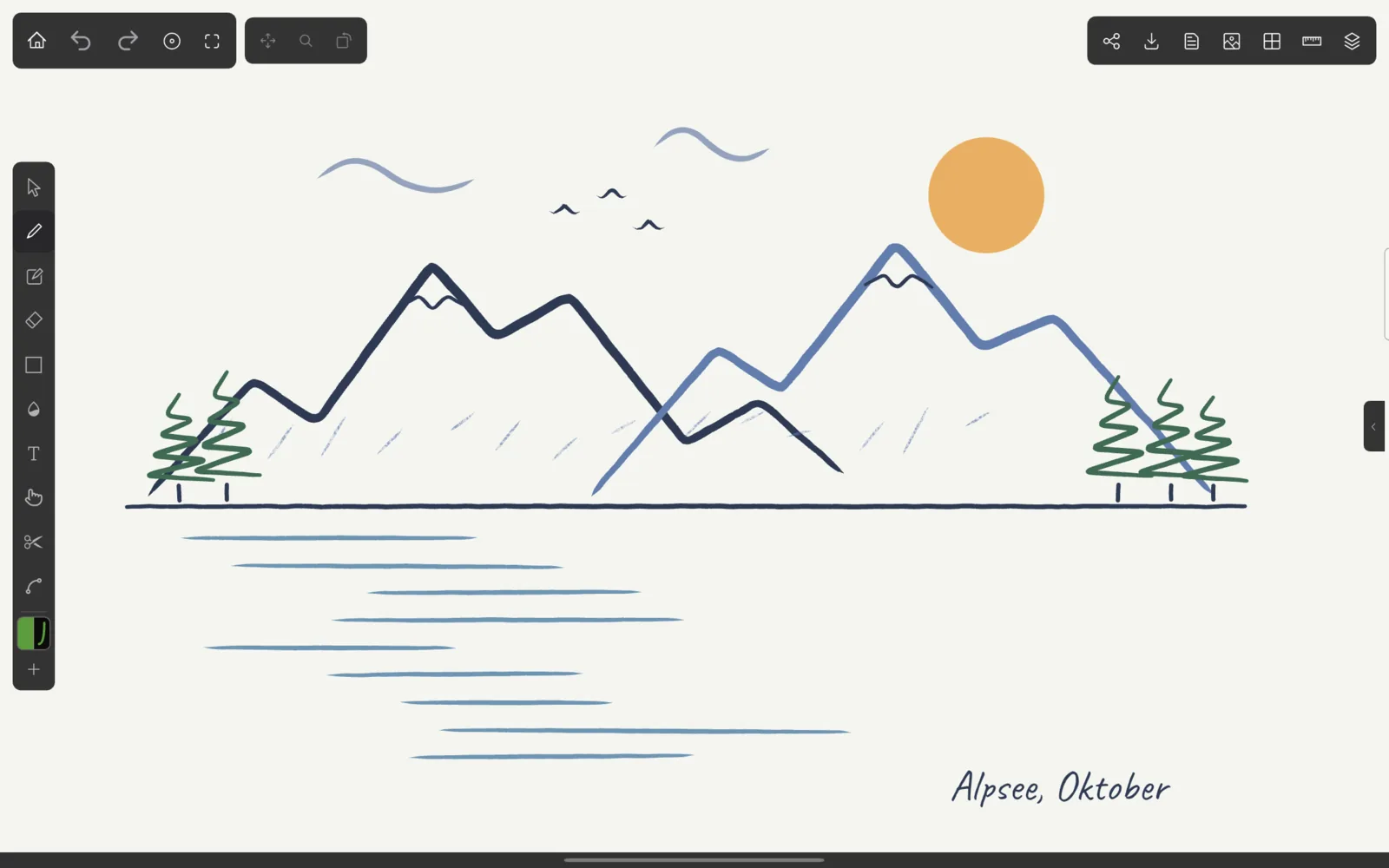
Kritzel Studio is a vector drawing app for tablets and desktop computers. Every stroke you draw stays an editable object: you can select it later, move it, change its colour or width, edit its points or cut it in two. The app responds to stylus pressure, has a set of pens, pencils and markers, and exports to PNG, JPG, SVG and PDF.
What you can do with it
Sketch freely with pressure-sensitive pens and textured pencils, then tidy up afterwards: select strokes with a tap or a lasso, scale, rotate, skew or distort them, recolour them in one go, or move individual points. Shapes (lines, rectangles with rounded corners, ellipses, polygons and freeform outlines) and text with eight bundled fonts sit next to your freehand strokes.
Layers keep a drawing organised. Grids, perspective grids with movable vanishing points, and ruler and ellipse guides help with technical drawings, and strokes can snap to them. Projects live in a gallery with folders, search and a trash, and a whole project can be exported as a .kritzel file to back it up or move it to another device.
Supported devices
Kritzel Studio runs on tablets and desktop computers. Phones are not supported.
| Platform | Minimum version |
|---|---|
| iPad (iPadOS) | iPadOS 15 |
| Android tablets | Android 7.0 |
| Mac | macOS 12 Monterey |
| Windows PC | Windows 10 |
The screenshots in this manual show the app in landscape orientation with the dark theme. The screens look the same on every platform, except that on a Mac or PC the property panel is always docked on the right and right-clicking opens context menus.
Conventions in this manual
Tap means a tap with your finger or stylus, or a click with the mouse. Long-press means pressing and holding for about half a second; with a mouse, use a right-click where the text says so. Keyboard shortcuts are written for Windows and Android: on a Mac, use Cmd wherever you read Ctrl.
Labels of buttons and menu items appear in quotes, exactly as the app shows them, for example ‘New Project’.
Chapters
- Getting startedCreate your first project and draw your first strokes.
- Gallery and projectsFolders, search, sorting, the trash and project files.
- The canvasToolbar, tool rail, panels, zoom and pan, undo and saving.
- Drawing toolsPen, pencil, eraser, shapes, text, nudge, slice and points.
- Selecting and transformingLasso, scale, skew, distort, group and lock.
- Brushes and coloursPresets, favourite pens, the colour picker and palettes.
- Layers and objectsOrganise a drawing in layers and find single objects.
- Grids, guides and backgroundsGrids, perspective, rulers, ellipses and templates.
- Import and exportImages, SVG, PNG, JPG, PDF and .kritzel files.
- SettingsAppearance, input, gestures, templates and more.
- Shortcuts and gesturesKeyboard shortcuts and multi-finger gestures at a glance.
- Help and troubleshootingMessages, memory warnings, backups and support.
This manual describes Kritzel Studio 0.1.0. If something behaves differently from what you read here, or you are missing a feature, please let us know.